9 practical video link workflows for marketing teams
Plan each video around one audience, one action and one measurable outcome. These nine workflows help Australian small businesses, community groups and creators reuse a public video link without assuming that the hosting service supplies campaign analytics.
Plan each video around one audience, one action and one measurable outcome. These nine workflows help Australian small businesses, community groups and creators reuse a public video link without assuming that the hosting service supplies campaign analytics.
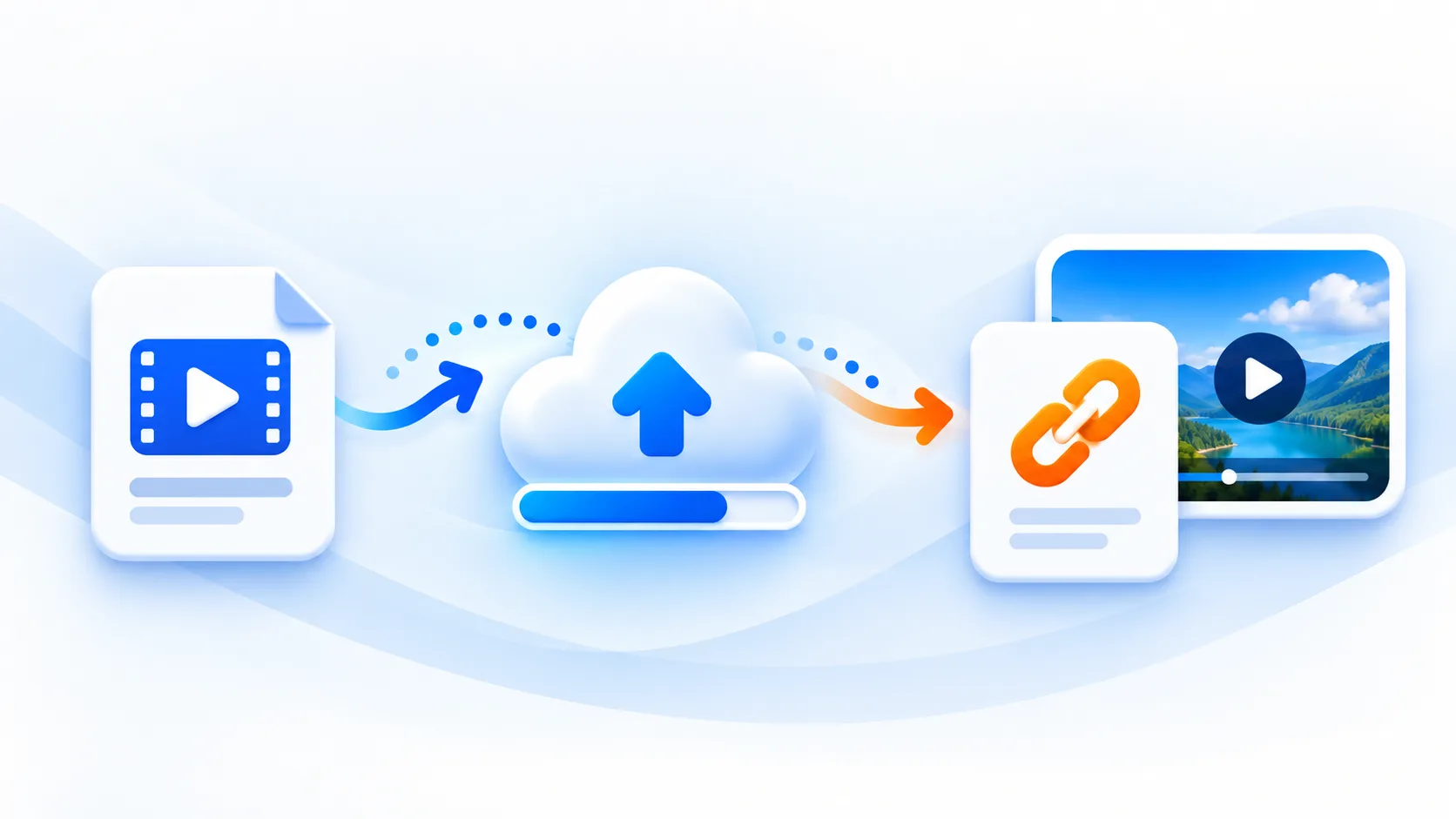
mp4tolink publishes the original uploaded file at a public URL, with a 100 MiB upload limit. It does not provide private viewing permissions, file version control, automatic transcoding, automatic thumbnails or built-in viewer statistics. Keep those boundaries visible when designing a publishing workflow.
1. Product demonstrations
Film one concrete task, such as assembling a product or choosing the correct size. Put the clip beside the relevant product details. Compare completed purchases using your shop analytics, and avoid attributing every sale to a video view.
2. Email follow-ups
Use a readable text link and a descriptive still image in your email. Many email clients do not play embedded video. Link to a useful page on your website and use your email provider to measure clicks.
3. Sales explanations
Send a short answer to a recurring customer question after the customer has requested information. Keep personal prices and account details out of public clips. Ask whether the explanation resolved the question instead of assuming someone watched it.
4. Customer onboarding
Break onboarding into separate tasks with a visible next step. Link each clip from the matching help article. Track task completion in your own product, with appropriate consent, rather than treating an accessible file URL as evidence of learning.
5. Social posts
Write the key message in the post so it remains understandable without playback. Test the destination from the actual mobile app. Platforms may treat external links differently, and a shared URL does not guarantee a rich preview.
6. Paid campaign pages
Match the video to the advertisement and show the promised information early. Keep a fast-loading text explanation available. Evaluate qualified leads and campaign cost through your advertising and website tools; mp4tolink has no built-in viewer analytics.
7. Support answers
Create a public demonstration with synthetic sample data for a repeatable problem. Include written troubleshooting steps and the expected result. If the clip depends on a product version, show that version and schedule a review after updates.
8. Partner materials
Provide partners with approved wording, the media URL and instructions for placement. Agree who maintains each published page. Public hosting does not grant extra music or image rights, so confirm permission for every asset before distribution.
9. Controlled comparisons
Test one change at a time, such as the introduction or call to action. Keep audience and period comparable. Record results in your own analytics system and optimise for useful customer actions, while accounting for consent and small sample sizes.
MP4 to Link & Video to Link FAQs
Does mp4tolink track viewers?
It does not provide built-in viewer analytics. Measure activity on your own pages or through your campaign tools.
Can I use UTM parameters?
Add campaign parameters to your website landing page links and verify that your own analytics records them.
Will a link work inside every app?
Receiving platforms control playback and previews. Test the actual placement and provide a normal clickable link.
mp4tolink Team
View profile