Direct Video URL vs. Sharing Page: Which Link Do You Need?
Choose between a raw video file URL and a viewing page using practical checks for embeds, public access, login requirements and revision handoffs.

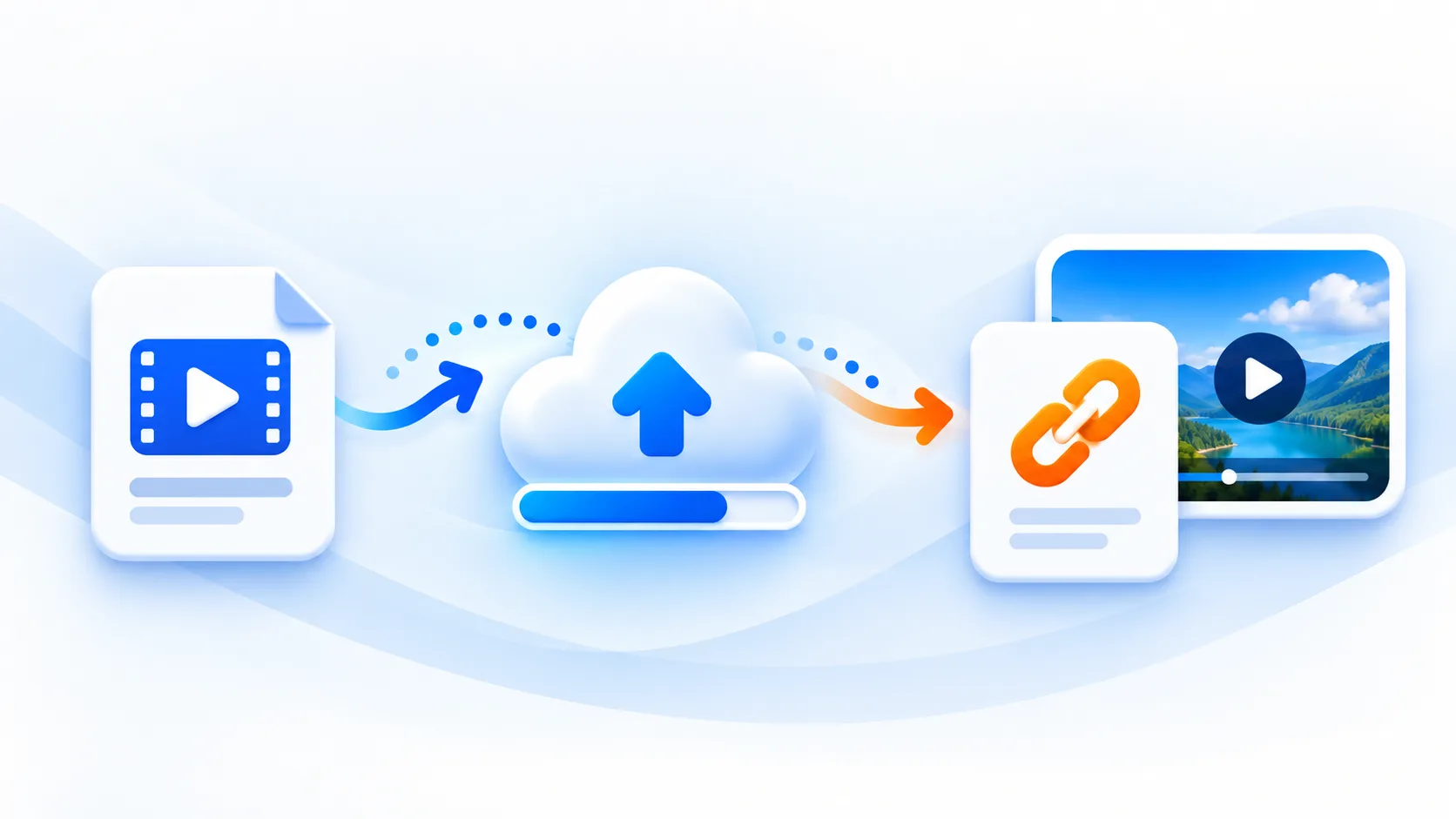
A developer asks for a video URL, and you send the page where you watched the video. The page opens correctly in your browser, but the website's video player rejects it. The missing detail is what the address actually returns: video bytes or an application page.
Before uploading again, identify the destination's requirement. A public file link works well when another page needs the original asset. A viewing page can provide context and application features. Neither option automatically provides confidential sharing.
Start with the recipient's next action
Imagine sending a thirty-second product demonstration to three people. A website developer needs an asset for an HTML player. A customer needs an explanation of what changed. An internal reviewer needs restricted access to unreleased material. These are separate requirements, even when everyone watches the same recording.
| Recipient needs to… | Useful destination | Acceptance check |
|---|---|---|
| Add the asset to an HTML video player | A compatible video file URL | The response contains video, rather than a login or viewing page |
| Read instructions before watching | Your own explanatory page | The page includes context and an accessible playback option |
| Review confidential material | A service with enforced access controls | An unauthorized recipient cannot retrieve the underlying file |
| Download an approved source file | A clearly labeled file link | The downloaded file is the intended revision and opens locally |
Do not infer access controls from an attractive player or an unfamiliar address. Record what the recipient actually needs before choosing where to host the recording.
What a direct video URL represents
A direct URL retrieves a media resource. A browser may show its own player when you open it; that does not make it an application sharing page. Conversely, a page containing a player may load the actual media from a different address.
The mp4tolink Video to URL tool uploads a supported video and returns a public file URL. The standard uploader accepts files up to 100 MiB, with daily allowances, request limits and available storage also applying. It stores the submitted file; uploading is not a promise of transcoding, adaptive playback or a generated editorial page.
Use a recording you are allowed to publish. Anyone with the resulting URL can access the file. Keep your original locally, and do not treat the generated address as a permanent archive.
Inspect the link before handing it over
Run a small acceptance check with a non-sensitive sample:
- Copy the result URL, rather than the address of the upload tool.
- Open it in a signed-out or private browser window.
- Confirm that the expected recording appears, then play beyond the opening frame.
- Check the destination that will consume the link: your website player, content editor or download workflow.
- Record the filename, revision and date alongside the URL.
For a technical handoff, inspect the browser's Network panel. Follow redirects and look at the final response. An HTML document is not the expected source for a native HTML video player, even if its page includes a working player. A file extension alone is insufficient evidence.
Embed the file, then test the finished page
This example uses a placeholder. Replace it with your actual public result:
<video controls preload="metadata" style="max-width: 100%">
  <source src="https://example.com/approved-demo.mp4" type="video/mp4" />
  Your browser does not support this video element.
</video>
<p><a href="https://example.com/approved-demo.mp4">Open the product demo</a></p>
The browser's video element loads media from its source URL. The controls attribute exposes playback controls; it does not change the file's format or add authentication. A fallback sentence is useful, but it does not repair an incompatible encoding.
Test the published page on a representative phone and desktop browser. Start playback, check sound and move forward in the timeline. If the direct file opens but the embedded player fails, review the site's configuration and browser errors before uploading another copy. Our video playback troubleshooting guide separates file, delivery and embedding checks.
Keep permissions attached to the file
Suppose you embed a public demo inside a password-protected customer portal. The portal controls access to its page. It does not change the public file's access policy. A viewer can potentially copy or forward the file address.
For unreleased designs, personal recordings or confidential customer material, choose a hosting workflow that enforces your required permissions on the media itself. A public uploader is appropriate for assets intended for public distribution. An obscure filename and HTTPS are not substitutes for recipient authorization.
Also check what you are distributing: faces, notifications, background documents and spoken details can be overlooked when a screen recording is reviewed only at its opening frame.
Make revisions unambiguous
Use a handoff line such as: “Product demo, approved cut 03, 22 October 2026, 00:32.” Attach the current URL and state which earlier cut it supersedes. The standard public upload workflow creates a separate upload; do not assume an existing recipient's URL will switch to the new edit.
When a messaging platform displays a preview card, verify the destination by opening it. Preview appearance and automatic playback are decisions made by that platform. A successful upload does not guarantee either behavior.
Official technical references
- MDN: HTML video element explains the player, source and playback attributes.
- MDN: Content-Disposition explains how response headers influence inline display and attachment downloads.
- MDN: Media container formats distinguishes file containers from the streams they carry.
MP4 to Link & Video to Link FAQs
Does an MP4 extension prove that a URL is a direct video link?
No. A server can return an HTML page, redirect or error at a URL ending in .mp4. Check the final response and confirm that it contains the intended video file.
Can I make a public video private by placing it on a password-protected page?
Protecting the page does not add authorization to the underlying public file. Anyone who obtains the file URL can still access it. Use hosting that enforces the access rules your material requires.
Should I replace a review link when I upload a new cut?
For the standard mp4tolink public video upload workflow, treat the new upload as a separate file with its own URL. Send the new URL with a clear revision label, and keep your original files.
mp4tolink Team
View profile