Video URL SEO: 12 Practical Publishing Checks for 2026
Review twelve practical checks for video pages: useful content, metadata, structured data, crawl access, localized URLs, performance and measurement.

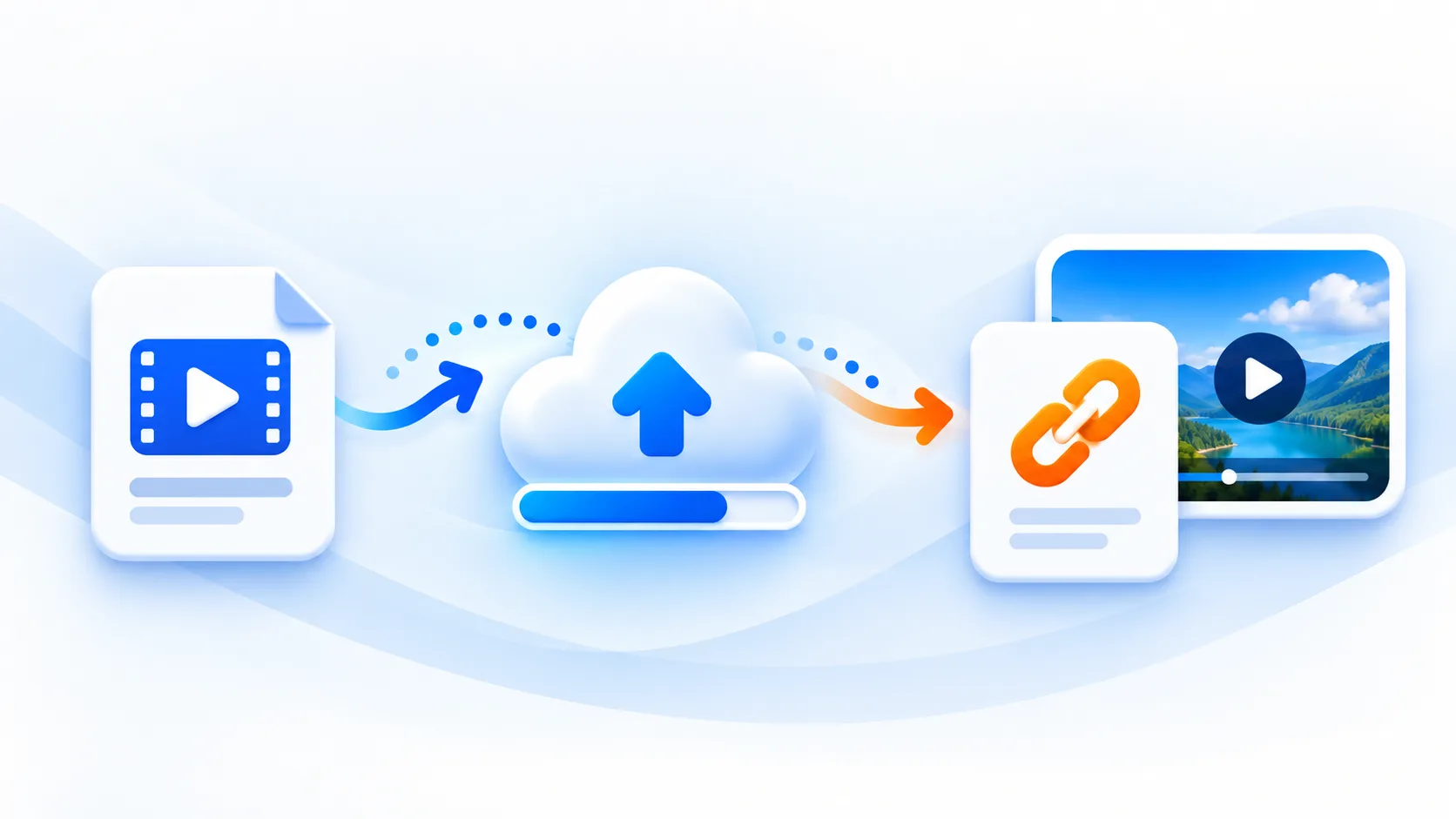
Most teams publish videos but miss the search opportunity because they treat the asset as media-only. Strong video URL SEO requires the right page structure, metadata, and performance setup around each link.
Below are 12 practical best practices you can implement today.
1. Use Search-Intent Slugs
Avoid vague URLs like /video123. Use keyword-led slugs such as:
/blog/video-to-url-guide/resources/video-url-seo-checklist/tutorials/product-demo-video-url
Descriptive slugs help both users and search engines understand page relevance.
2. Align Title and Description With Intent
Your title should answer what the user is looking for. Your description should explain why the page is useful.
Example pattern:
Title: Video to URL for E-commerce: Fast Setup + SEO Checklist
Description: Learn how to publish product videos as URLs, optimize metadata, and improve conversion-focused organic traffic.
3. Publish Video on a Content-Rich Page
Do not rely on a bare player page. Add:
- Intro paragraph with primary keyword
- Key points or steps
- Use-case examples
- Supporting visuals and internal links
Content depth improves ranking potential and user engagement.
4. Add a Transcript or Detailed Summary
Search engines index text better than media-only content. A transcript also:
- Improves accessibility
- Increases long-tail keyword coverage
- Helps capture "how to" and question queries
5. Use FAQ Blocks for Long-Tail Queries
Users search with questions such as:
- "How to convert video to URL?"
- "What is the best video URL format for SEO?"
- "Can I embed a video URL on product pages?"
A concise FAQ section near the end of your page helps match this intent.
6. Implement accurate structured data
Use relevant schema to improve understanding and rich-result eligibility:
ArticleorBlogPostingFAQPagewhen applicableVideoObjectonly when the page and its visible video meet the relevant requirements; supply actual thumbnail, upload date and playable URLs, not invented values
Structured data does not guarantee rich snippets, but it improves machine-readable context.
7. Optimize Thumbnail Strategy
A high-quality thumbnail can improve click-through and on-page engagement. Keep it:
- Relevant to search intent
- Legible on small screens
- Consistent with your content brand
8. Improve Core Page Performance
Video-heavy pages often become slow. Keep page performance stable by:
- Lazy-loading embedded players
- Compressing poster images
- Deferring non-critical scripts
- Avoiding oversized page assets
Performance impacts both rankings and conversions.
9. Build Internal Link Clusters
Link your video page to related pages:
- Tool pages
- Category hubs
- Case studies
- Comparison posts
Topic clusters help search engines understand site authority in your niche.
10. Track Video Events and SEO Outcomes
Measure both behavior and search impact:
| Metric | Why It Matters |
|---|---|
| Organic sessions | Indicates search visibility growth |
| Video play rate | Shows content relevance |
| Average watch depth | Indicates engagement quality |
| Scroll depth | Validates page structure |
| Conversion rate | Connects SEO to business results |
Without analytics, you cannot prioritize improvements.
11. Use Canonical and Indexing Controls Carefully
If the same video appears on multiple pages, define the preferred canonical page. Also verify:
- Index status for primary landing page
- No accidental
noindextags - Clean redirect behavior when URLs change
Technical cleanup prevents dilution and indexing conflicts.
12. Refresh High-Value Video URLs Quarterly
SEO gains compound when content stays current. Update:
- Titles and descriptions
- Outdated examples
- Internal links
- FAQ entries based on real query data
Small refreshes can recover and expand rankings over time.
Direct file links and localized pages
A public file URL and a watch page serve different purposes. mp4tolink uploads return an original-file URL; they do not automatically produce a dedicated watch page, transcript, thumbnail, video sitemap or analytics dashboard for that upload. If you need a searchable video page, build a useful page around the file with a descriptive title, a visible player, a summary and appropriate accessibility support.
For multiple languages, translate the main content and provide a self-canonical for each real version. Add reciprocal hreflang links to the actual translated pages and a suitable x-default. Do not advertise a translated URL that only shows an English placeholder. A canonical or sitemap is a signal, not a promise of indexing.
Read Google’s video structured data requirements and its localized versions guidance when implementing these checks. Use Search Console to inspect real crawling and indexing. Neither a raw file link nor structured data alone guarantees a ranking or rich result.
Practical Publishing Workflow
Use this sequence for every new video URL page:
- Define the keyword target and search intent
- Upload video and generate URL
- Publish a content-rich landing page
- Add transcript, FAQ, and structured data
- Improve speed and mobile experience
- Track analytics and refresh quarterly
This framework is simple, repeatable, and effective for teams of any size.
Final Takeaway
Great video URL SEO is not about one trick. It is a system that combines technical correctness, content relevance, and user experience. If you treat each video URL as a searchable page asset, rankings and conversions can grow together.
MP4 to Link & Video to Link FAQs
Do video URLs help Google rankings?
Video URLs can improve rankings when they are part of well-optimized pages with descriptive metadata, relevant body content, proper internal linking, and structured data. The URL alone is not enough.
Should I host videos on my own domain for SEO?
Hosting on your own domain gives stronger control over traffic and page authority. Many teams use a hybrid approach: primary content on owned pages and selective distribution on major platforms for reach.
Is transcript text necessary for video SEO?
Transcripts are strongly recommended because they add crawlable text, improve accessibility, and help search engines understand topic depth and intent on video pages.
mp4tolink Team
View profile