Lightning Fast
Upload a video, wait for processing, then copy its shareable URL.
Upload an MP4 or another video file and get a link to share
Our video to link tool accepts MP4, MOV, AVI, WebM, or MKV files up to 100MB. Upload your file, then share its link on WhatsApp or in your work. Standard use requires no sign-in.
Supports MP4, MOV, AVI, WebM, MKV up to 100MB
Drop your video here, or click to browse
Maximum file size: 100MB
Video, audio, PDF and image uploads use HTTPS and create public URLs. Anyone with the URL can access the file. Do not upload confidential material.
The link opens the original uploaded file. Uploading does not convert its format, replace earlier uploads, or provide version control.
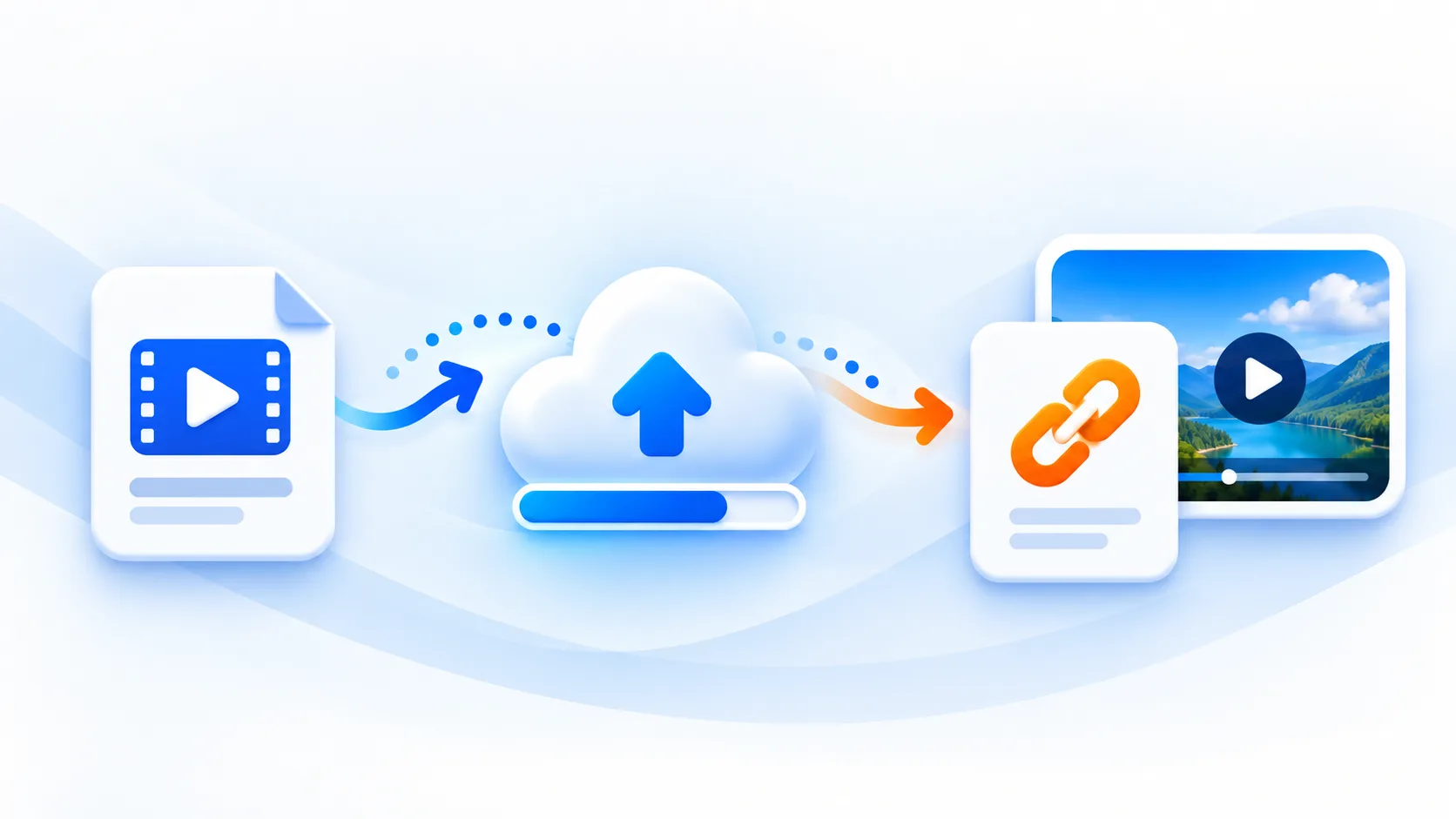
Upload a video, wait for processing, then copy its shareable URL.
Uploads use HTTPS. The resulting file URL is public, so anyone with the URL can access the file.
Reuse a generated link while its video remains hosted.
Our video to link tool accepts MP4, MOV, AVI, WebM, or MKV files up to 100MB. Upload your file, then share its link on WhatsApp or in your work. Standard use requires no sign-in.
Shareable video links for messages, documents, and websites
Fast conversion
Supports MP4, MOV, AVI, WebM, and MKV up to 100MB
Free to start with no signup required
Already have a public MP4 video link? Download MP4 from a link
Built for straightforward video uploads and shareable links.
Upload a video, wait for processing, then copy its shareable URL.
Uploads use HTTPS. The resulting file URL is public, so anyone with the URL can access the file.
Reuse a generated link while its video remains hosted.
Compare public file sharing, on-device processing and public direct-link downloads.
| Workflow | Public upload | Local processing | Direct-link download |
|---|---|---|---|
| Main task | Publish an original file | Convert or transcribe media | Save a public media file |
| Starting point | Choose a file to publish | Choose local video or audio | Paste a direct media URL |
| Data path | File uploaded to hosting | Media stays on your device | Public media URL sent for download |
| Limits | 100 MiB per upload | Check each tool’s limits | Check downloader limits |
| Access | Anyone with the URL | On-device processing | Public direct media only |
| Result | Public original-file URL | Local result file | Downloaded media file |
| Next step | Copy or embed the URL | Review and save the result | Save and check the file |
| Useful for | Sharing demos and documentation | Preparing video and audio | Saving existing public media |
Quickly host demo videos for websites, QA handoffs, and product documentation without running your own media server.
Example Use Case
Embed short demo videos in documentation with shareable URLs for engineering workflows
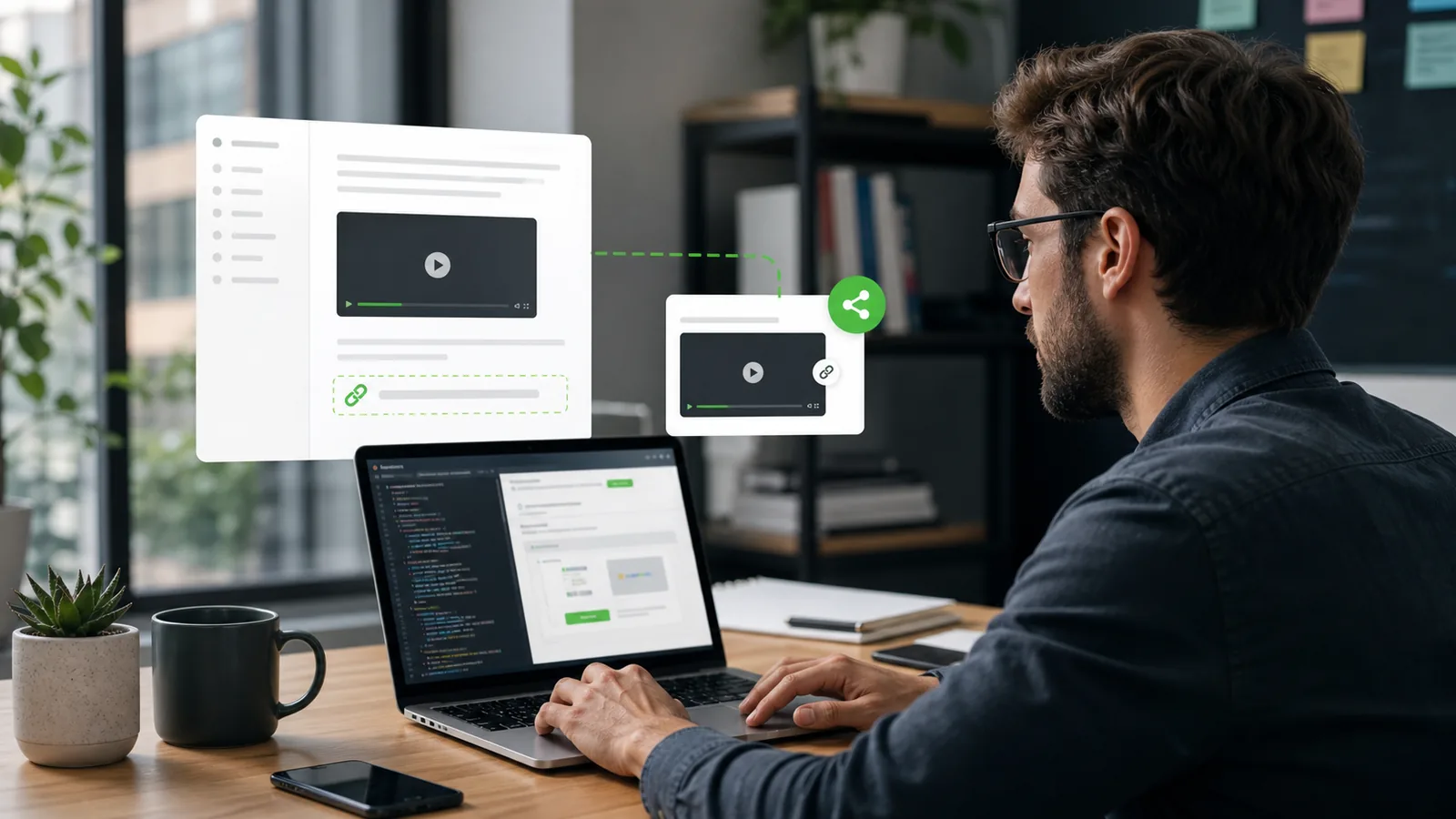
Share visual content across blogs, YouTube thumbnails, and WhatsApp Business with generated URLs.
Example Use Case
Add video links to Markdown documents with shareable URLs
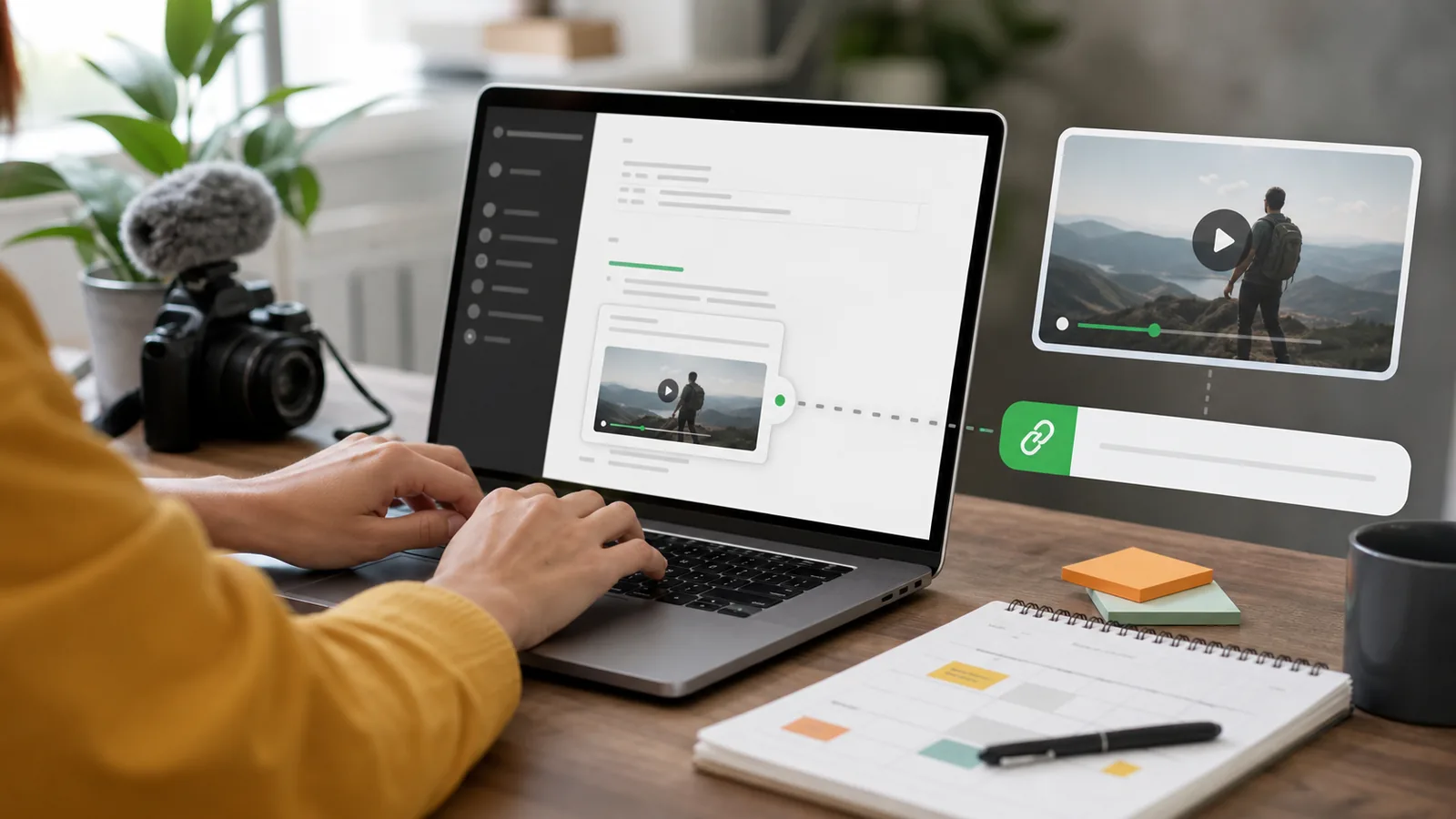
Share campaign videos across landing pages, ads, and social posts with one consistent URL.
Example Use Case
Share campaign videos through a reusable URL
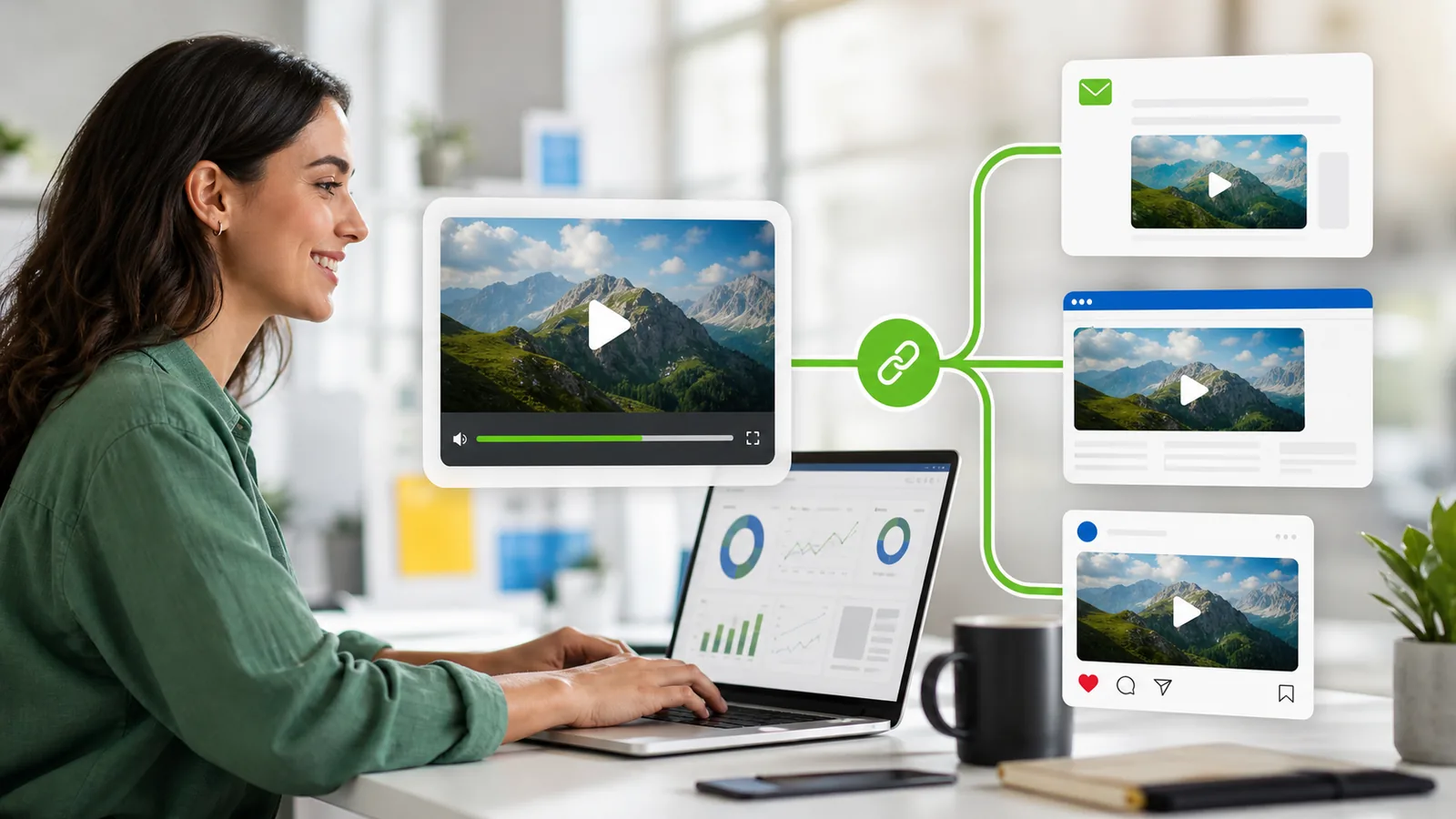
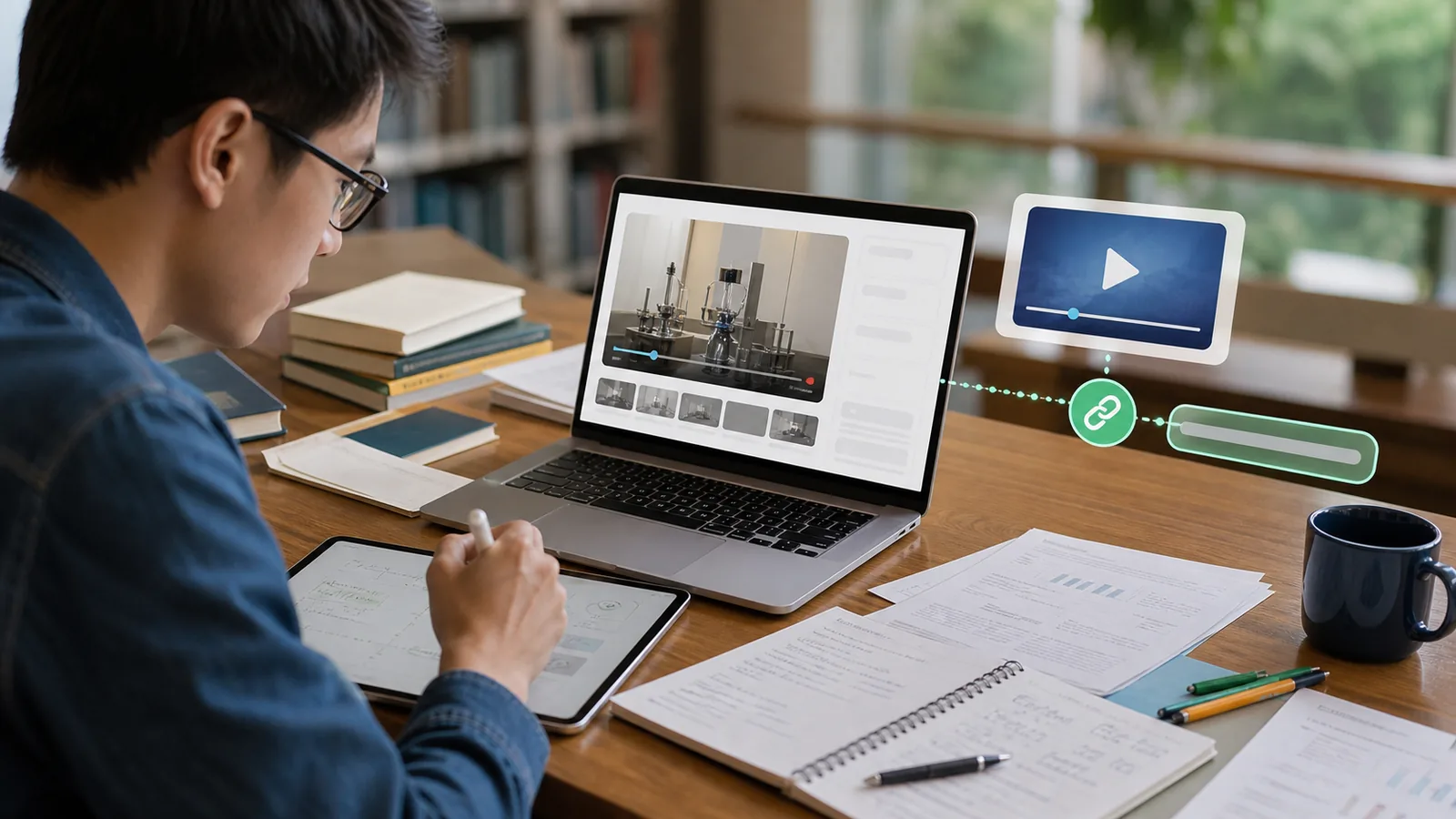
Include lecture captures, project demos, and walkthrough videos in assignments and collaborative notes.
Example Use Case
Share educational diagrams and charts for IIT/NIT projects and GATE preparation materials
Upload an MP4 or another supported video file and copy the generated link after processing finishes.
Yes. The generated link works in chats, social posts, documentation, and websites.
You can upload MP4, MOV, AVI, WebM, MKV, MPEG, OGG, 3GP, and FLV when supported by your browser metadata.
You can reuse the generated URL while the video remains hosted.
The standard free plan supports files up to 100MB per video upload.
No. You can start for free without registration, then sign in for higher limits and upload history.
Yes. Secure transfer, stable links, and simple sharing make it practical for business and team collaboration.
mp4tolink lets developers, creators, and teams upload videos and share generated URLs in messages, documents, and websites.