Instant Image Upload
The link opens the original uploaded file. Uploading does not convert its format, replace earlier uploads, or provide version control.
Image to URL: JPG, PNG, GIF, WebP, AVIF. The link opens the original uploaded file. Uploading does not convert its format, replace earlier uploads, or provide version control.
The link opens the original uploaded file. Uploading does not convert its format, replace earlier uploads, or provide version control. File size, daily upload and rate limits depend on the current configuration and account. Check the uploader and server response; storage capacity can also restrict uploads.
Image to URL Converter
JPG, PNG, GIF, WebP, AVIF · 2 MiB
Video, audio, PDF and image uploads use HTTPS and create public URLs. Anyone with the URL can access the file. Do not upload confidential material.
Popular searches: Popular IN searches: image to url, photo to link, whatsapp image link, amazon listing image URL, flipkart seller image link
Image link in one upload
Optimized for quick sharing
Keep your own backup. Permanent availability is not guaranteed; removal or service changes can invalidate links. Contact us with the file URL for removal requests.
Updated: 22 October 2026
The link opens the original uploaded file. Uploading does not convert its format, replace earlier uploads, or provide version control.
Keep your own backup. Permanent availability is not guaranteed; removal or service changes can invalidate links. Contact us with the file URL for removal requests.
Video, audio, PDF and image uploads use HTTPS and create public URLs. Anyone with the URL can access the file. Do not upload confidential material. Hosting processes uploaded files and technical data for storage, quotas and abuse prevention. Account upload history may be recorded when signed in. Analytics providers may process visit data; retention depends on service configuration and provider settings.
Use the HTML image or Markdown snippet with the public image URL. Check it on the destination website and provide a direct link as well.
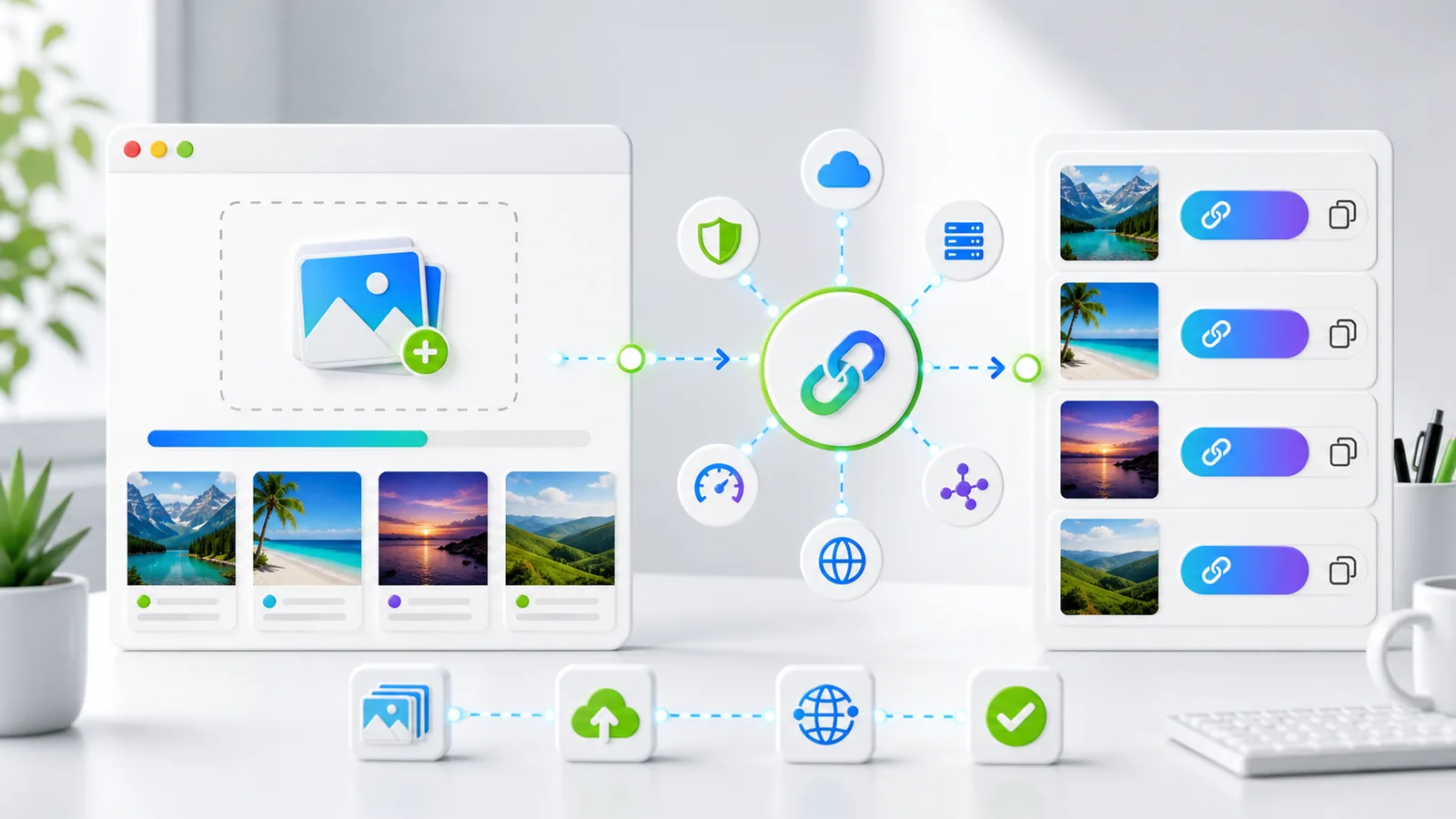
Drag and drop or browse your device. Supported formats include JPG, PNG, GIF, WebP, and AVIF.
The link opens the original uploaded file. Uploading does not convert its format, replace earlier uploads, or provide version control. File size, daily upload and rate limits depend on the current configuration and account. Check the uploader and server response; storage capacity can also restrict uploads.
Use your new URL in documentation, chat tools, websites, blog posts, and issue trackers.
Video, audio, PDF and image uploads use HTTPS and create public URLs. Anyone with the URL can access the file. Do not upload confidential material.
File size, daily upload and rate limits depend on the current configuration and account. Check the uploader and server response; storage capacity can also restrict uploads.
Keep your own backup. Permanent availability is not guaranteed; removal or service changes can invalidate links. Contact us with the file URL for removal requests.
Check file type and size after a failed upload. For 429, wait for the quota or rate limit to reset; for 503, retry later. If playback or PDF preview fails, open the direct URL or download the file. Browser support varies.
Use the HTML image or Markdown snippet with the public image URL. Check it on the destination website and provide a direct link as well.
<img src="https://example.com/uploads/sample.jpg" alt="Uploaded image" loading="lazy" />Share screenshots in bug reports, PR reviews, and release notes with one stable image URL.
Prepare visual assets and reuse URL-based embeds across landing pages and blog posts.
Drop annotated screenshots into tickets, runbooks, and internal docs without attachment friction.
Share diagrams and assignment images in LMS platforms and collaborative notes with fixed links.
Continue your workflow with related pages and tools inside mp4tolink.
Browse the full tools hub and discover related converters.
Open page ->
File size, daily upload and rate limits depend on the current configuration and account. Check the uploader and server response; storage capacity can also restrict uploads.
Open page ->
Read practical guides on public video links, publishing and video SEO.
Open page ->
Learn how the platform handles image and media URL workflows.
Open page ->
Image to URL. The link opens the original uploaded file. Uploading does not convert its format, replace earlier uploads, or provide version control.
JPG, PNG, GIF, WebP, AVIF. The link opens the original uploaded file. Uploading does not convert its format, replace earlier uploads, or provide version control.
JPG, PNG, GIF, WebP, AVIF · 2 MiB. File size, daily upload and rate limits depend on the current configuration and account. Check the uploader and server response; storage capacity can also restrict uploads.
Keep your own backup. Permanent availability is not guaranteed; removal or service changes can invalidate links. Contact us with the file URL for removal requests.
Use the HTML image or Markdown snippet with the public image URL. Check it on the destination website and provide a direct link as well.
Video, audio, PDF and image uploads use HTTPS and create public URLs. Anyone with the URL can access the file. Do not upload confidential material. Hosting processes uploaded files and technical data for storage, quotas and abuse prevention. Account upload history may be recorded when signed in. Analytics providers may process visit data; retention depends on service configuration and provider settings.
Start with your first upload, then continue to other tools for editing and publishing.